AI automation sounds like something for big companies with big budgets. It is not. For a small business it is something much simpler: software doing the copy-paste, checking and reminding that a person does by hand today. No robots, no magic — just work that happens on its own, the same way every time.
What AI automation actually is (in plain words)
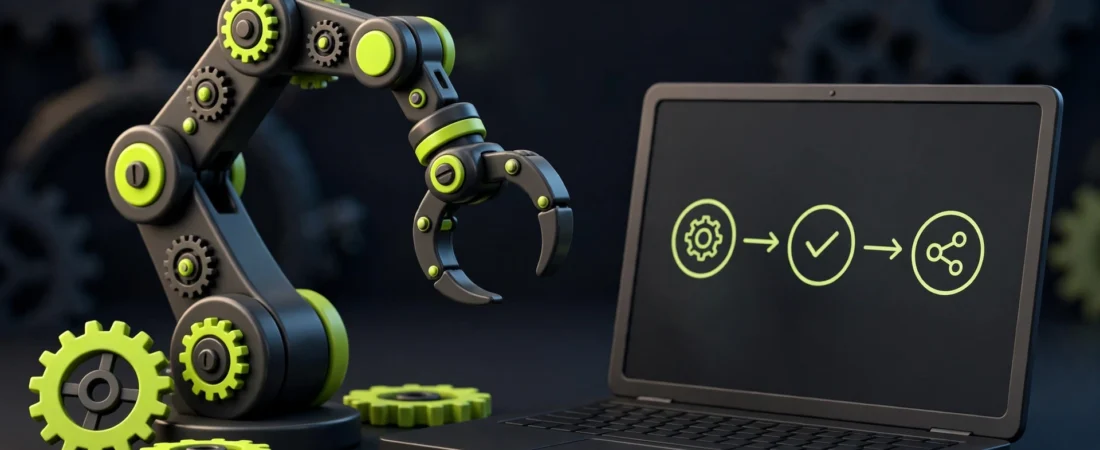
Take one office job and break it into steps. An email arrives, somebody reads it, copies the order into a sheet, and replies to the customer. Automation does the same steps: the email arrives, the workflow reads it, puts the order in the sheet, and sends the reply. The person only steps in when something is unusual.
The “AI” part is the reading and deciding: understanding an email that is not in a fixed format, pulling the right numbers out of a PDF, or drafting a reply in your words. The rest is ordinary software connecting the tools you already use — Gmail, Google Sheets, WhatsApp.
The three easiest first workflows
Email sorting. Enquiries, orders, invoices and everything else land in one inbox. A workflow sorts them, labels them, and logs the orders in a sheet — so nothing is missed and nothing is searched for twice.
Sheet trackers. Orders, dispatches and invoices logged automatically from your email, instead of typed in by hand at the end of the day. The sheet is always current, and the monthly report writes itself from it.
Payment reminders. Polite reminders sent on schedule — before the due date, on it, and seven days after — with the invoice attached. No one has to remember, and no customer is chased angrily.
These three are the easiest because they are repetitive, they follow fixed rules, and they save time from the first week.
What it costs and what to expect in week one
A single workflow starts at $150 one-time (our Single Workflow Automation). Week one looks like this: a short audit to pick the right workflow, setup with your real email and sheets, testing with real messages, and a handover where we show your team how it works. You do not need new software and you do not need to change how your customers reach you.
What you should expect is not magic. Expect the same work, done without the typing — and a list, every morning, of the few things that actually need a person.
What not to automate yet
Do not automate pricing decisions, difficult customer conversations, or anything the customer experiences as personal. A workflow can remind a customer; it should not negotiate with one. Start with the back office, where the work is repetitive and invisible — and keep the customer-facing judgement with people.
If you are not sure which workflow to start with, Book a Free Audit. We will look at your week, pick the one workflow that saves the most time, and tell you honestly if automation is not the answer yet.